One Record per Vehicle
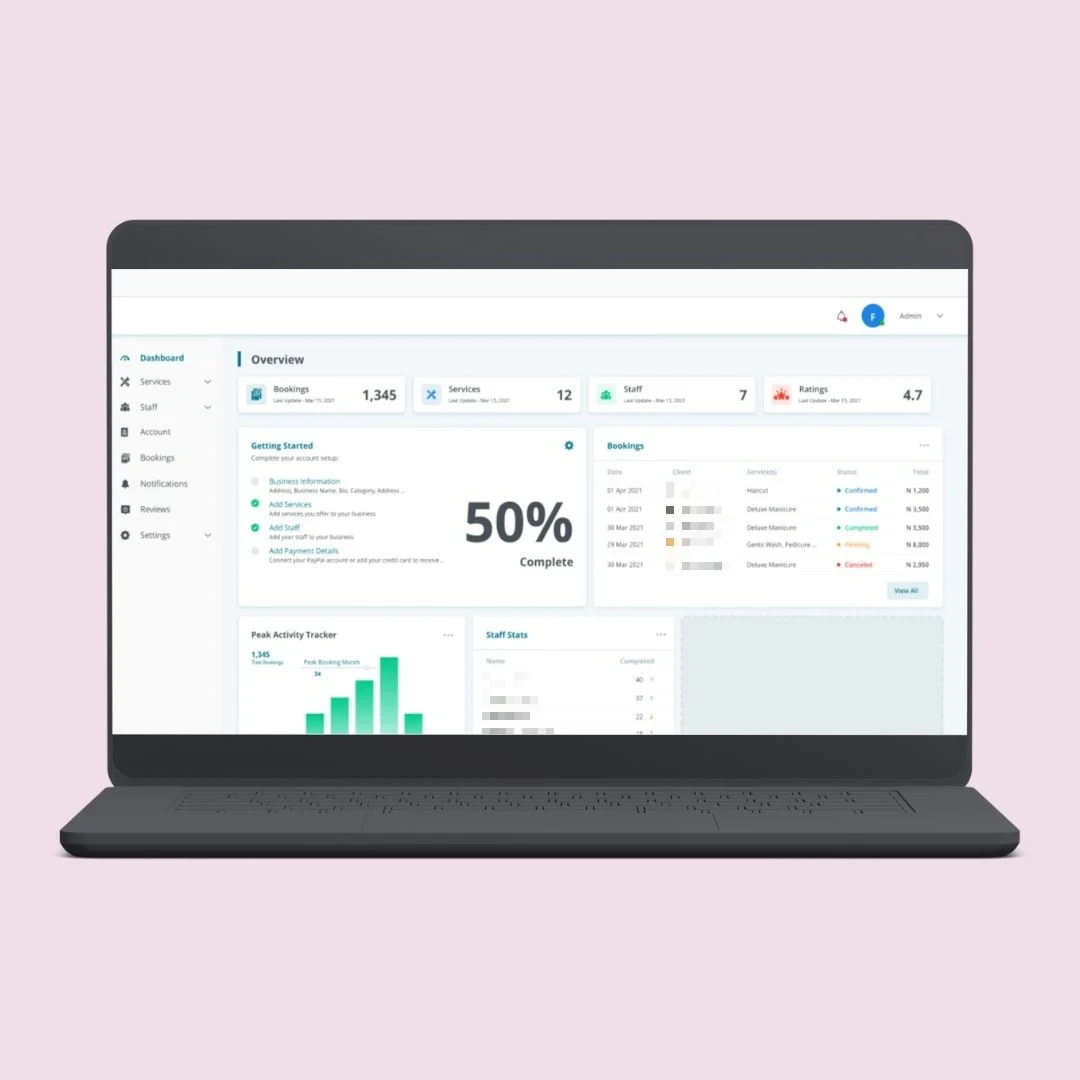
Service history, documents, costs, bookings and current status against each vehicle.
Fleet management, telematics dashboards, dealer and workshop systems, service booking portals, parts inventory and mobile apps. Business software around the vehicle, built for how your operation runs.
The tracker has its own website. Service history is in a spreadsheet. Bookings come in by phone and go into a diary. Parts stock is whatever the storeroom says it is today. To answer one simple question about one vehicle, someone has to check four systems.
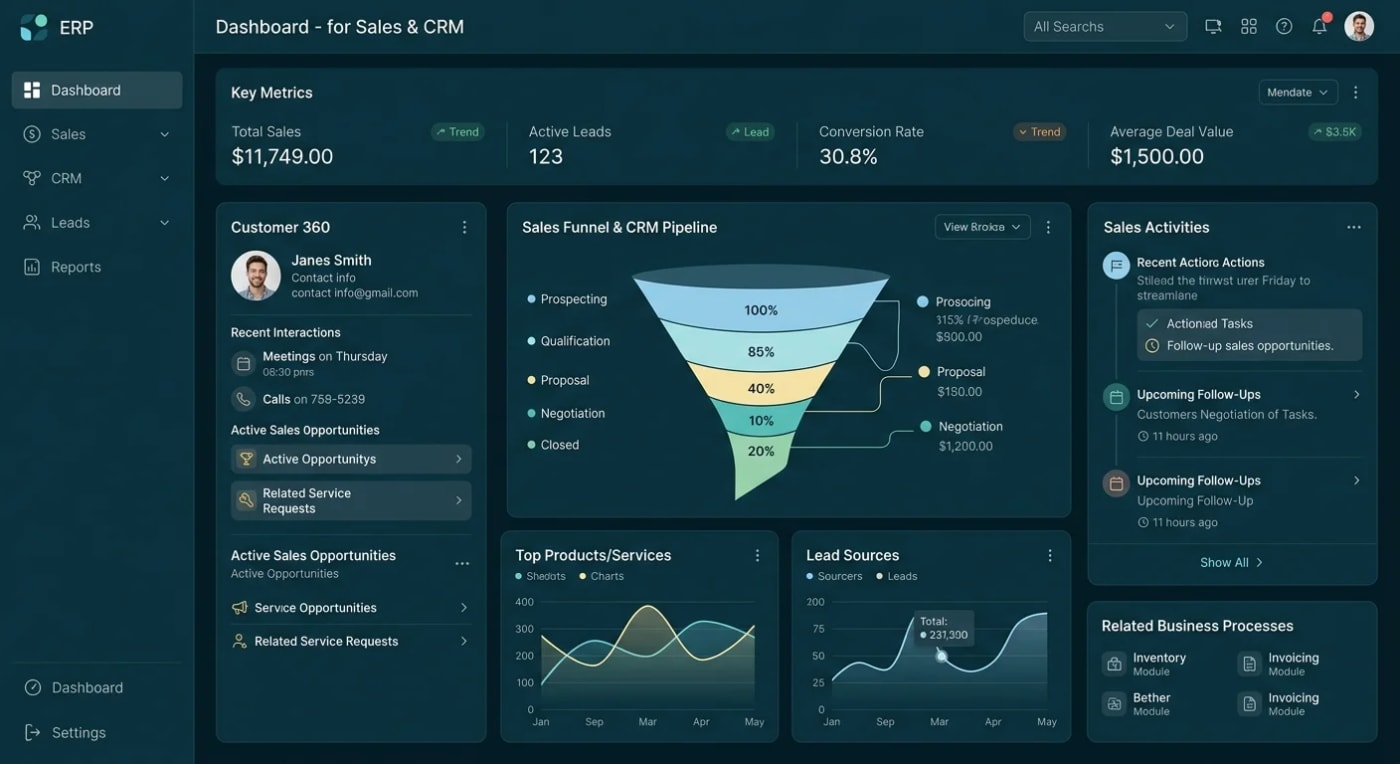
We build custom systems that bring it together: one record per vehicle, with its location data, service history, bookings, parts and costs. Managers see the whole fleet or the whole workshop on one screen, and customers and drivers get their own view.
Most fleet operators, dealers and workshops come to us with one of these four problems.
Fleet records in spreadsheets so service due dates, documents and renewals are easy to miss.
Telematics data nobody uses because it sits in the tracker provider's portal, apart from everything else.
Service bookings by phone with double bookings, no reminders and customers calling to ask if the car is ready.
Parts stock you cannot trust so jobs stop while someone checks the shelf or waits for an order.
The vehicle is the centre of the data model. Everything else connects to it.
Service history, documents, costs, bookings and current status against each vehicle.
Location, mileage and alerts pulled from your tracker provider's API into your own dashboards.
Reminders by date or mileage for servicing, inspections and document renewals.
Parts reserved and issued against the job card, so stock levels stay accurate.
OWASP-based security testing of portals and APIs, with a written report before launch.
We build business software around vehicles. We do not build autonomous-driving, in-vehicle control or other safety-critical vehicle software.
Each system is custom built for your vehicles, your sites and your customers. No templates.
Vehicles, drivers, assignments, servicing, documents and running costs in one place.
Data from your tracking devices shown next to service and cost records, with alerts you define.
Job cards, technician allocation, vehicle check-in, estimates and invoicing for the workshop floor.
Customers book a service, approve work, follow progress and see their vehicle's history online.
Stock control with barcode scanning, and React Native apps for drivers, technicians and customers.
Each team works from the same vehicle record, with its own screens and permissions.
Where every vehicle is, what is due for service and what each one costs to run.
Job cards, bay and technician schedules, and parts stock that matches the shelf.
Bookings, vehicle checks, service updates and history on web or mobile.
When vehicle data is split across tools, every decision starts with someone collecting it by hand.
Start with the Architecture Blueprint: a written build plan covering the data model, system architecture, scope, timeline and realistic cost. You can take it anywhere, including to another developer.Book A Call
Every project is scoped before it is quoted.
We list every place vehicle data lives today, including what your telematics provider's API allows.
Agree the data model, the roles and the screens before any build starts.
We build in stages and connect telematics, accounting and payment systems as we go.
Security test, written report, then deploy to your own cloud account.
ASP.NET Core, .NET 8, SQL Server, React Native and Azure, connected to the devices and systems you already have.
Fleet and workshop systems hold customer details, vehicle locations and payment flows. We build them, and we test them before they go live.
Discuss Your ProjectBusiness software around the vehicle. We say plainly what we do not build, and what depends on your device provider.
Full source code and IP, deployed to your own cloud. No vendor lock-in and no per-vehicle fee from us.
No subcontracting. OWASP-based security testing with a written report before launch.
See how we have built booking platforms, marketplaces and lead systems that businesses run on every day.
The questions fleet operators, dealers and workshops ask us first.
Send us your requirements.
Book a Free ConsultationIf your tracker provider offers an API or a data export, yes. We pull location, mileage and alerts into your own system and show them next to service and cost records. What data is available, and how often it updates, depends on the provider and the device. We check this during scoping and tell you what is possible before we quote.
No. We do not build autonomous-driving systems, vehicle control software or anything safety-critical inside the vehicle. We build the business software around it: fleet management, workshop systems, portals, inventory and mobile apps.
Yes. Branches, workshops and parts stores can each have their own stock, schedule and staff, with a combined view for management. We agree the structure with you at the design stage, because it shapes the data model.
Usually, if that system has an API or a supported import format. We check the integration during scoping. If the other system does not allow it, we tell you plainly and suggest a workable alternative such as a scheduled export.
Yes. Full source code and IP ownership, deployed to your own Azure account, so there is no vendor lock-in.
Before you plan any telematics feature, ask your tracker provider for their API documentation. It tells you which data you can get out and how often. That one document decides what your dashboards can show.
Related: inventory management for parts and stock, and API and system integrations for connecting telematics and accounting.
Tell us what you run, how many sites you have and which systems you use today. We'll scope it properly before we quote, and tell you plainly what your devices and existing systems will and will not allow.