Client-Focused Metrics
Measures chosen to reflect the outcomes your clients pay for.
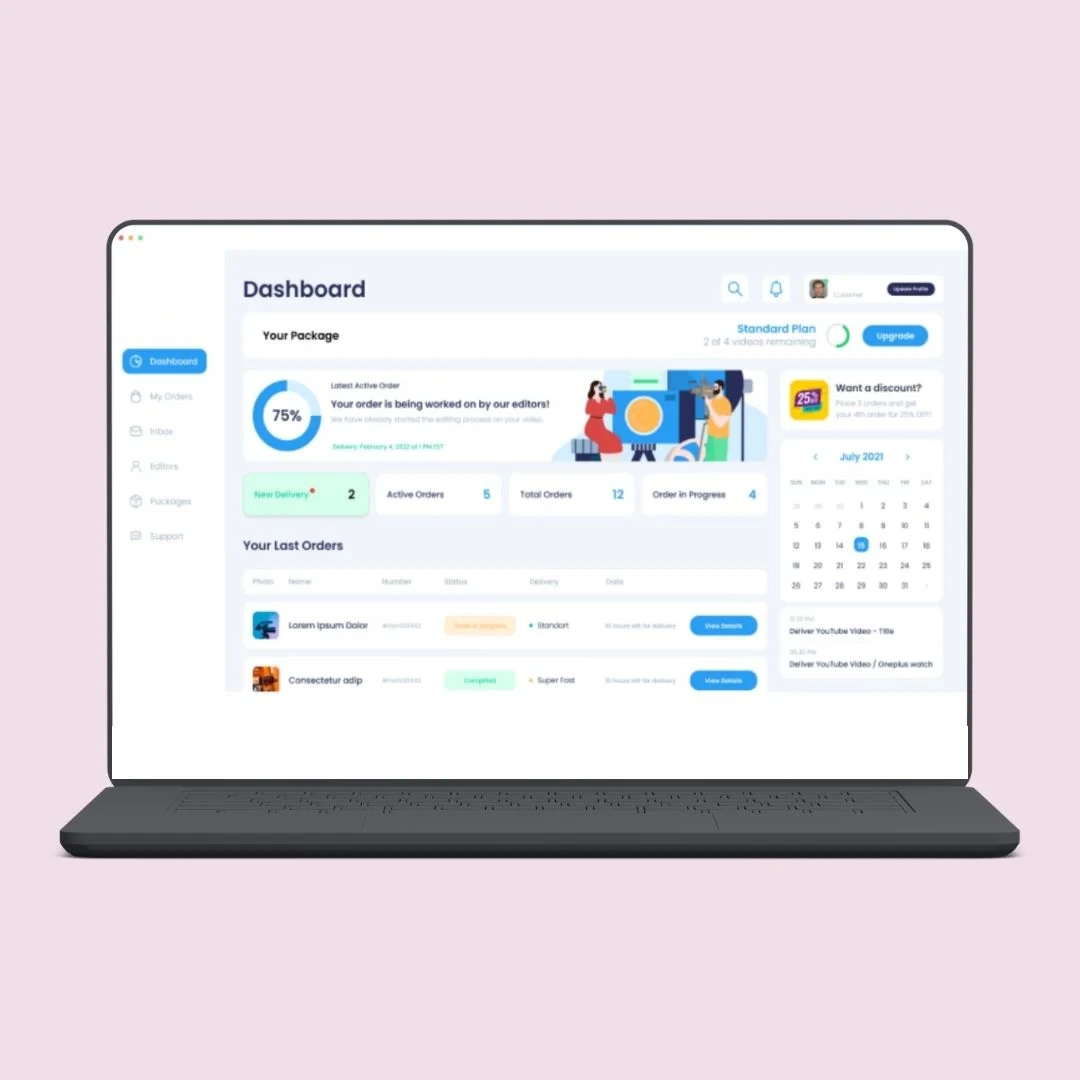
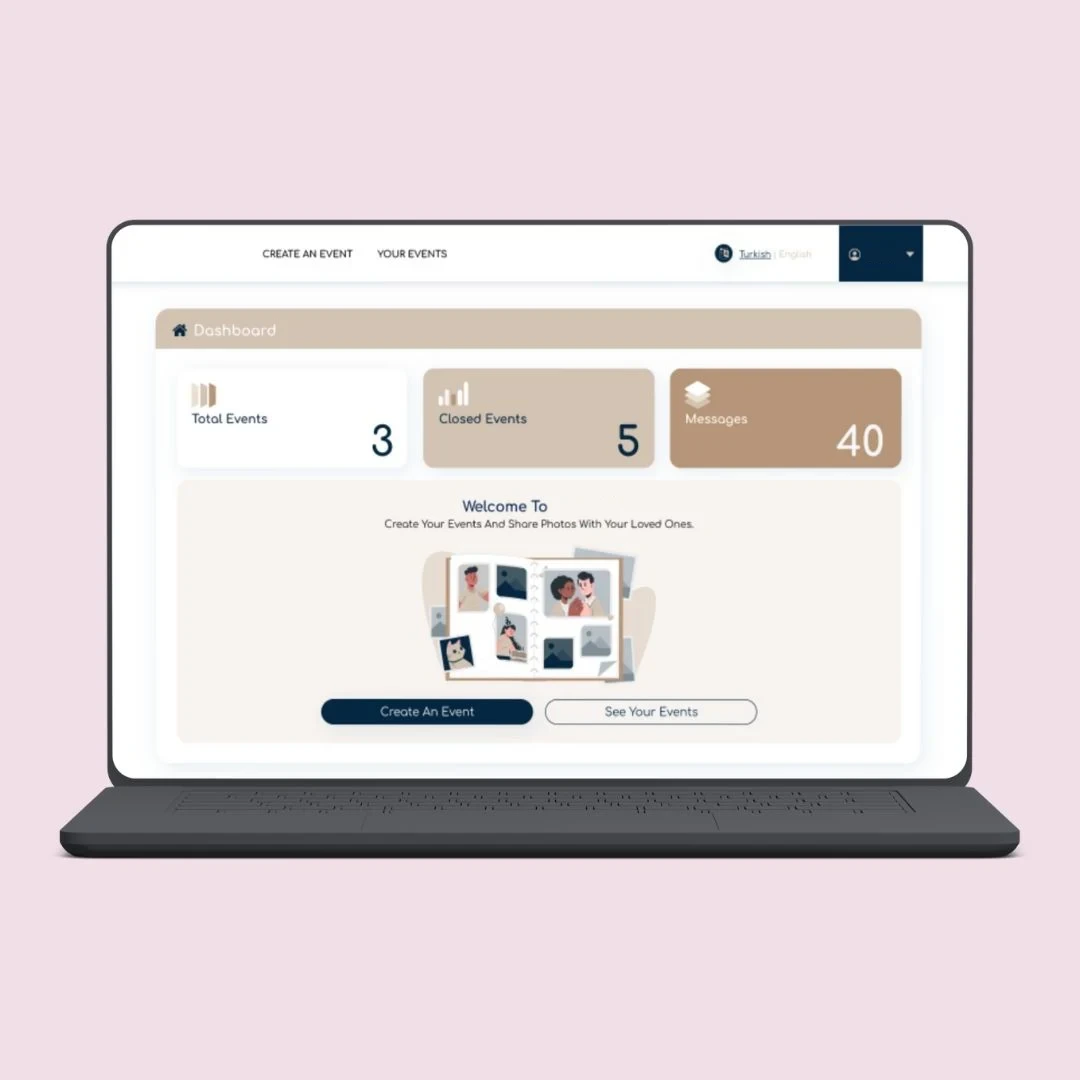
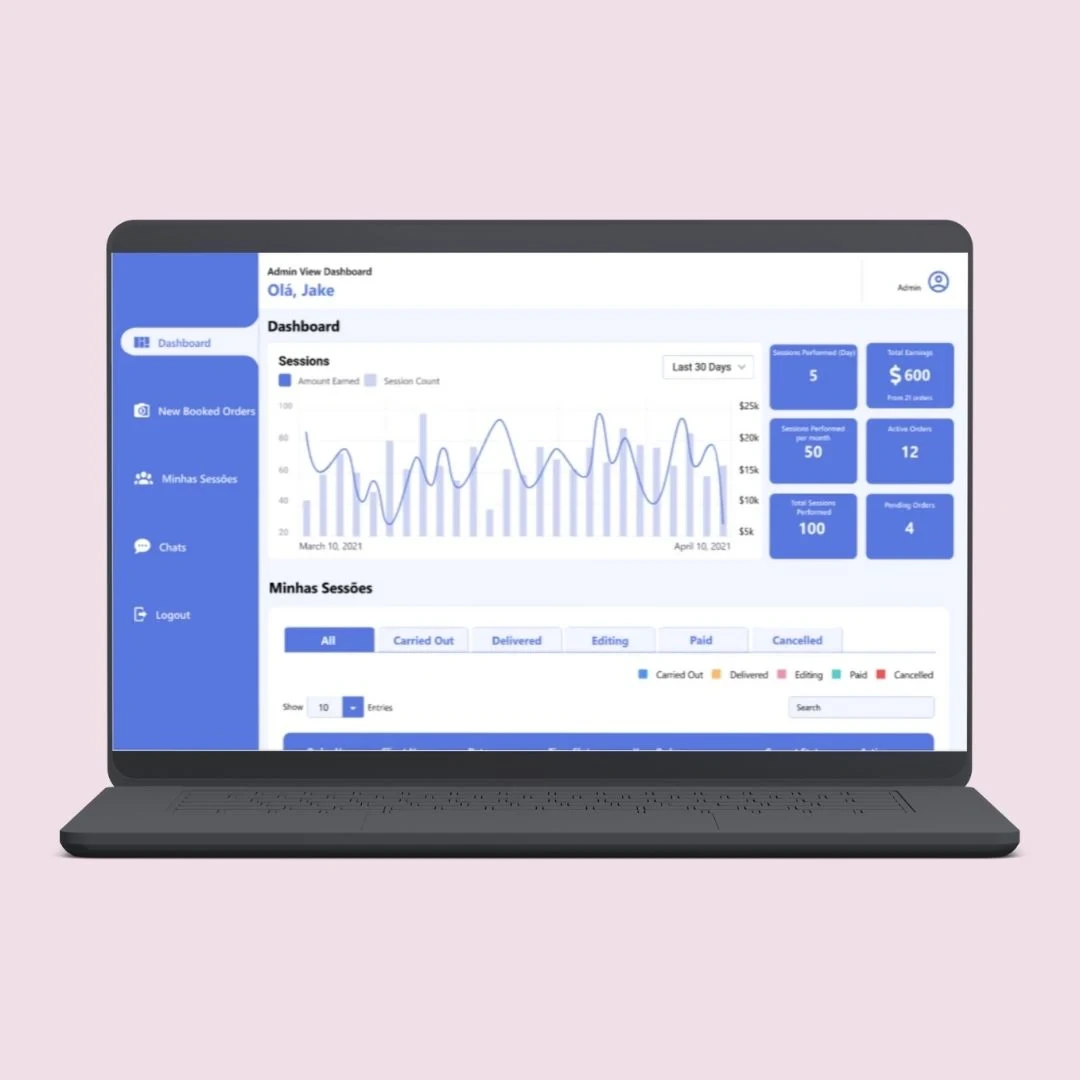
Show clients the results of your work whenever they want to see them. Phentech builds branded, client-facing dashboards that present live project, service and performance data securely to each client. Every portal is security-tested before launch, and you own the source code.
Agencies, service providers and outsourcing firms spend days each month exporting data, building slides and emailing reports to clients, who then ask for a different view or a more recent figure.
A client dashboard gives each client a secure login to their own live data, presented clearly and consistently, so reporting becomes a service they value rather than a task your team dreads.
When client reporting is manual, it costs your team time and gives clients only a snapshot.
Reports rebuilt every month by copying data from several tools into slides.
Clients waiting for updates and asking for figures between reporting cycles.
Risk of sharing the wrong data when reports are assembled by hand for each client.
Inconsistent reporting with each account manager presenting results differently.
We design dashboards around what your clients care about and what shows the value of your service.
Measures chosen to reflect the outcomes your clients pay for.
Each client sees only their own data, enforced at every level.
Your brand, or the client's, on every screen and export.
Data pulled from your delivery tools without manual exports.
Account managers add context alongside the numbers.
The result is clients who can see the value you deliver, and a team freed from report building.
External dashboards designed to be clear, secure and easy for clients to use.
Milestones, deliverables, time used and upcoming work for each client.
Tickets, response times and SLA performance against agreed targets.
Marketing, sales or operational results drawn from your platforms.
Branded report exports emailed to clients on a set schedule.
Clients invite colleagues and control who in their team has access.
Any business that reports results to clients can turn reporting into a self-service experience.
Campaign, traffic and lead results for each client.
Tickets, SLAs, uptime and service reviews.
Project progress, hours and delivery milestones.
Manual reports give clients a monthly snapshot. A dashboard gives them a live view of the work.
When report preparation takes up account managers' time every month, or clients regularly ask for updates between reports, a client dashboard pays off quickly.Book A Call
We design with both your team and your clients in mind.
Study current client reports and the data sources behind them.
Agree metrics and create branded dashboard designs.
Connect data sources and build secure client access.
Introduce dashboards client by client and refine from feedback.
Client dashboards draw on the platforms your team uses to deliver the work.
We build external dashboards with the security and presentation quality that client-facing work needs.
Discuss Your ProjectMost portals ship untested. Ours come with a written security report.
Strict separation between client accounts.
We plan the right solution with you before we give a price.
See how we have built platforms that give clients direct access to their bookings, work and results.
Quick answers about client dashboards.
Let's talk about your client reporting.
Book a Free ConsultationInternal dashboards help your own managers run the business. Client dashboards are designed for external users, with strict data separation, client branding and simpler, outcome-focused views.
Yes. Data separation is built into the database and the application, so clients can only ever see records that belong to their account.
Yes. Dashboards can carry your branding, or be white-labelled per client, including logos, colours and a custom domain.
Yes. Clients can download branded PDF reports or receive them by email on a schedule, generated from the same live data.
Yes. Most portals ship without ever being security-tested, until a breach or a failed audit proves it. Ours can be delivered with OWASP-based penetration testing and a written remediation report before launch.
Yes. Full source code and IP ownership, NDA signed on request, and no vendor lock-in. The portal is deployed to your own cloud account.
Start with the report you already send most often. Turning your standard monthly client report into a live dashboard saves time immediately and gives you a template for every other client.
Send us an example of the reports you produce today and we'll show you how they could work as a live dashboard. Every project is scoped before it's quoted.