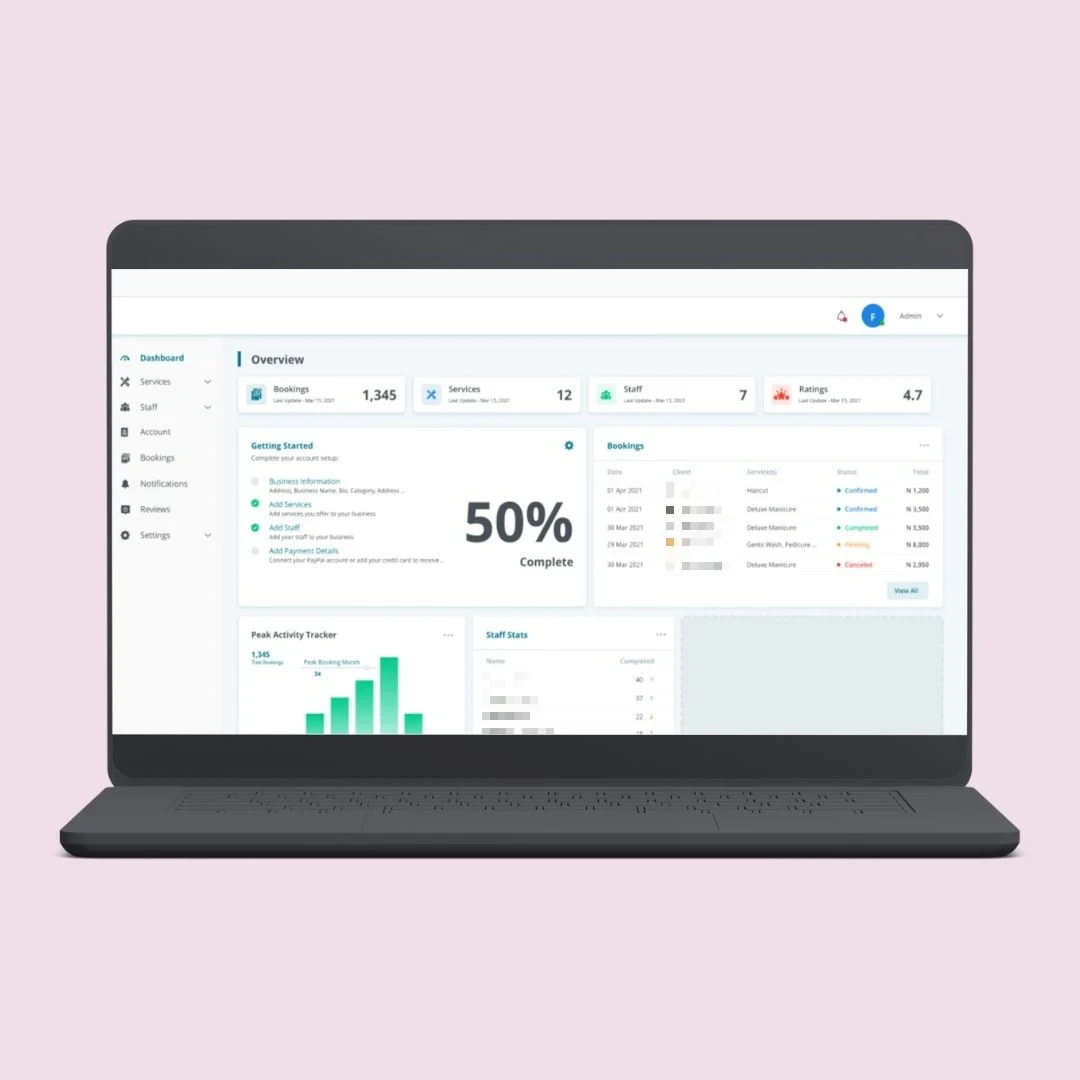
Process Mapping
Capture every step, owner, input and exception before anything is built.
Turn repeatable, multi-step processes into workflows that run on their own. Phentech maps how work moves between people and systems, then automates the hand-offs, reminders and data entry in between.
Most processes stall between steps, not during them. A form arrives by email, someone copies it into another system, then forwards it to the next person and waits.
Workflow automation defines each step, who owns it and what triggers the next one, so tasks move forward the moment they are ready and nothing sits unnoticed.
When a process depends on people remembering the next step, delays and mistakes are built in.
Tasks passed on by email with no clear owner once the message is forwarded.
The same data typed twice into the CRM, the accounts system and a tracking sheet.
Work waiting between steps because nobody was told it was ready.
Steps skipped under pressure leading to rework, missed checks and unhappy customers.
We document how a process actually runs today, remove the waste, then automate what is left.
Capture every step, owner, input and exception before anything is built.
Send each task to the right person or team based on type, value or region.
Start the next step automatically and nudge owners before deadlines slip.
Move information between systems so it is entered once and used everywhere.
See who did what, when, and how long each step took.
The result is a process that runs the same way every time, with people focused on the decisions only they can make.
Each workflow is built from practical components that fit the way your teams already work.
Steps, conditions and owners laid out clearly so the process is easy to review and change.
Web forms and emails that create tasks, records and notifications automatically.
Branches for different request types, values, customers or locations.
Deadlines on each step with escalation when work sits too long.
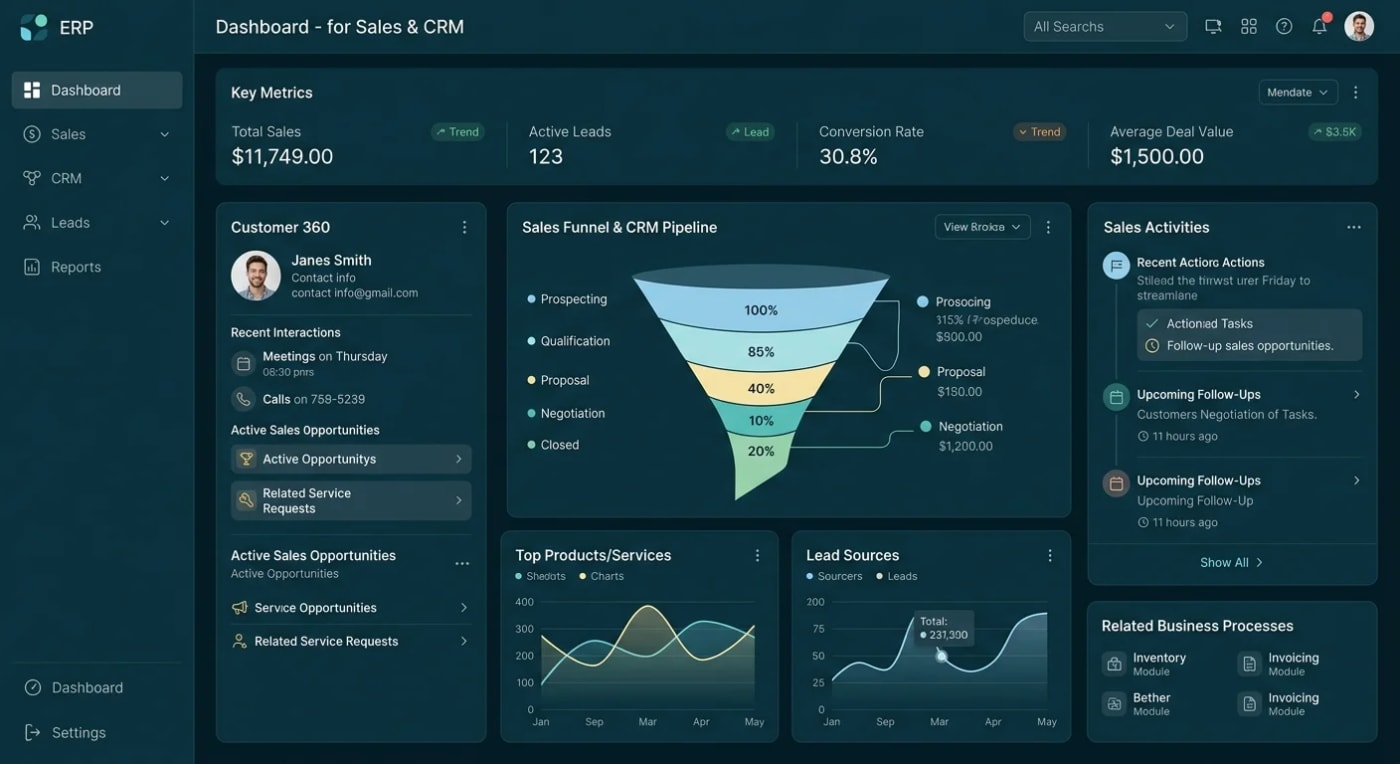
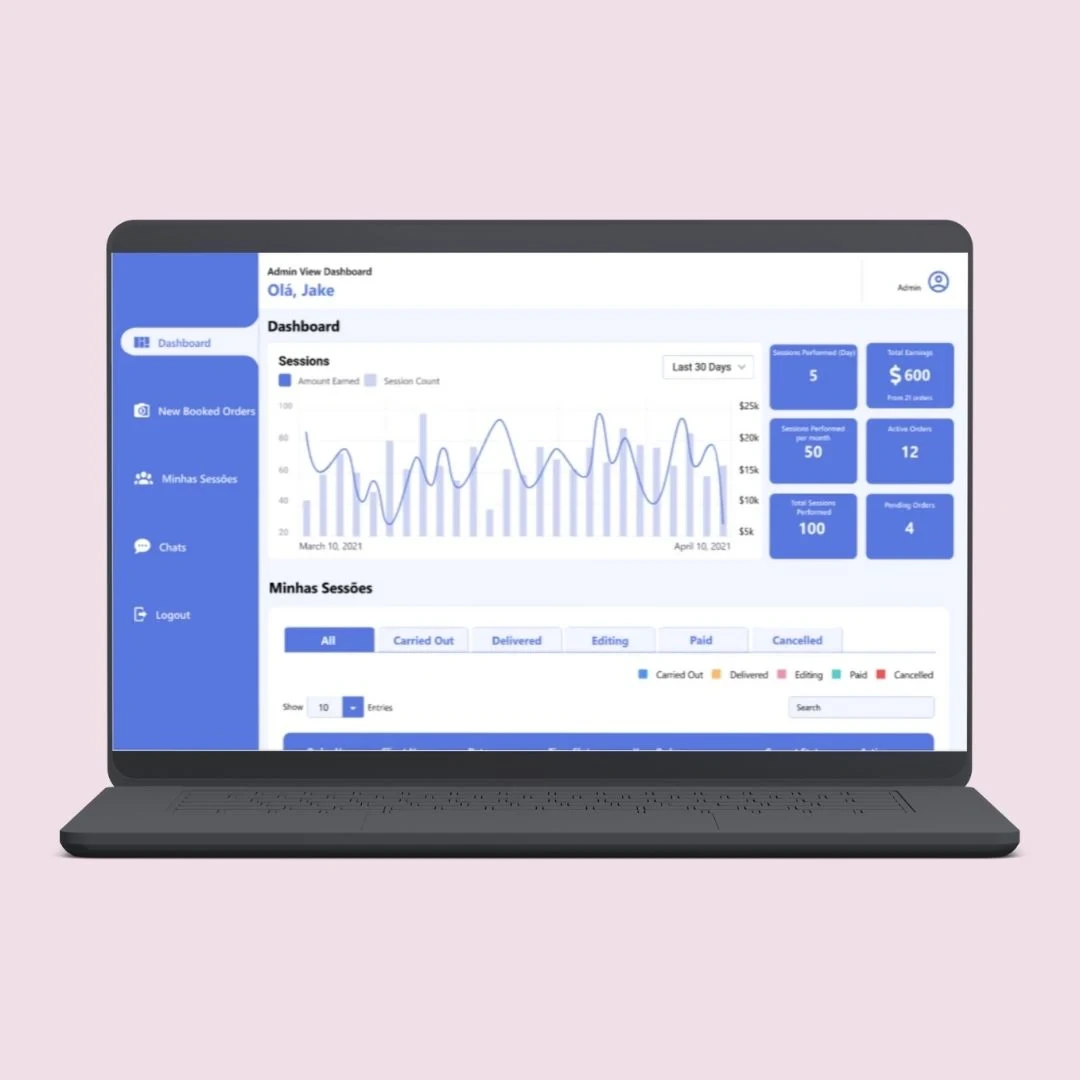
A live view of every open item, its current step and who is holding it.
Any process that follows the same steps each time is a good place to start.
Forms, checks, account set-up and welcome steps in order.
Orders confirmed, fulfilled and billed without re-keying.
Jobs logged, assigned, completed and closed with a full record.
Manual processes rely on memory and inboxes. Automated workflows rely on clear rules that run every time.
When a process runs many times a week, involves more than one person or system, and regularly stalls between steps, automating it frees up real time.Book A Call
A practical approach that automates one workflow well before moving to the next.
Walk through the process with the people who run it today.
Remove unnecessary steps and agree the rules for routing and approval.
Build the workflow, connect your systems and test it with real cases.
Track step timings and adjust the workflow as you learn.
Workflows pass data between the tools your teams already use.
We start with the process, not the tool, so automation solves the real bottleneck.
Discuss Your ProjectOWASP-based testing and a written report, not a promise.
We fix the process before we automate it.
A clear scope and price before any work starts.
See how we have automated operational workflows for growing businesses.
Quick answers about workflow automation.
Let's talk about your workflows.
Book a Free ConsultationUsually the one that runs most often and causes the most follow-up. We help you compare candidates by volume, delay and error rate before choosing.
Where they fit, yes. For more complex logic, larger volumes or sensitive data we build custom workflows that you fully own.
We design exception paths so unusual cases are flagged and sent to a person, rather than being forced through the wrong route.
Yes. Rules, owners and deadlines are configurable, and we can add new steps as the process evolves.
Yes. Full source code and IP ownership, with the system deployed to your own cloud account, so there is no vendor lock-in. We sign an NDA on request.
Our in-house engineers at Phentech. No subcontracting. Every project is scoped and architected by a senior engineer before it is quoted.
Automating a broken process only makes it fail faster. That is why we simplify each workflow before automating it, so the finished version is shorter as well as quicker.
Let's map one of your processes together and find the steps that should run on their own. Send us your workflow first. Every project is scoped before it's quoted.