Built Next to Your System
It works through your database or API. No rebuild.
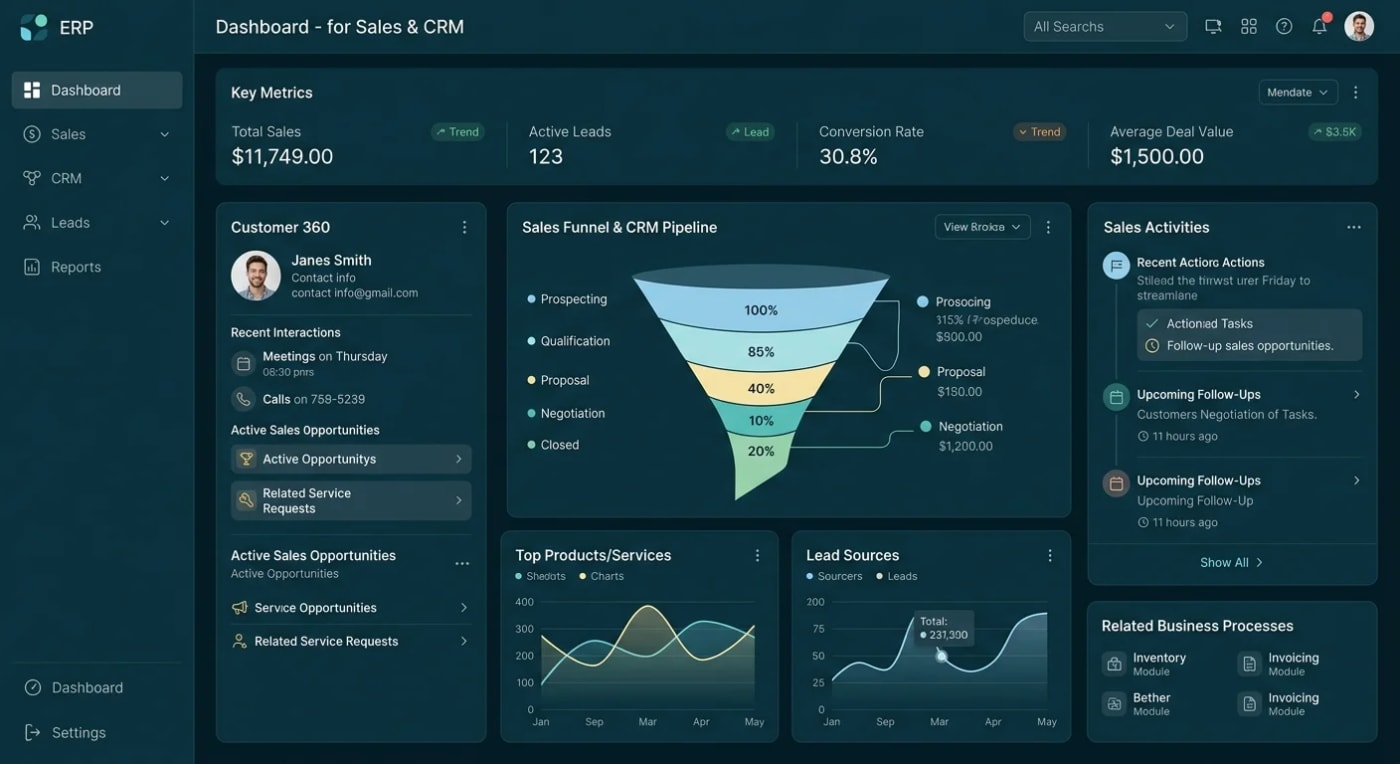
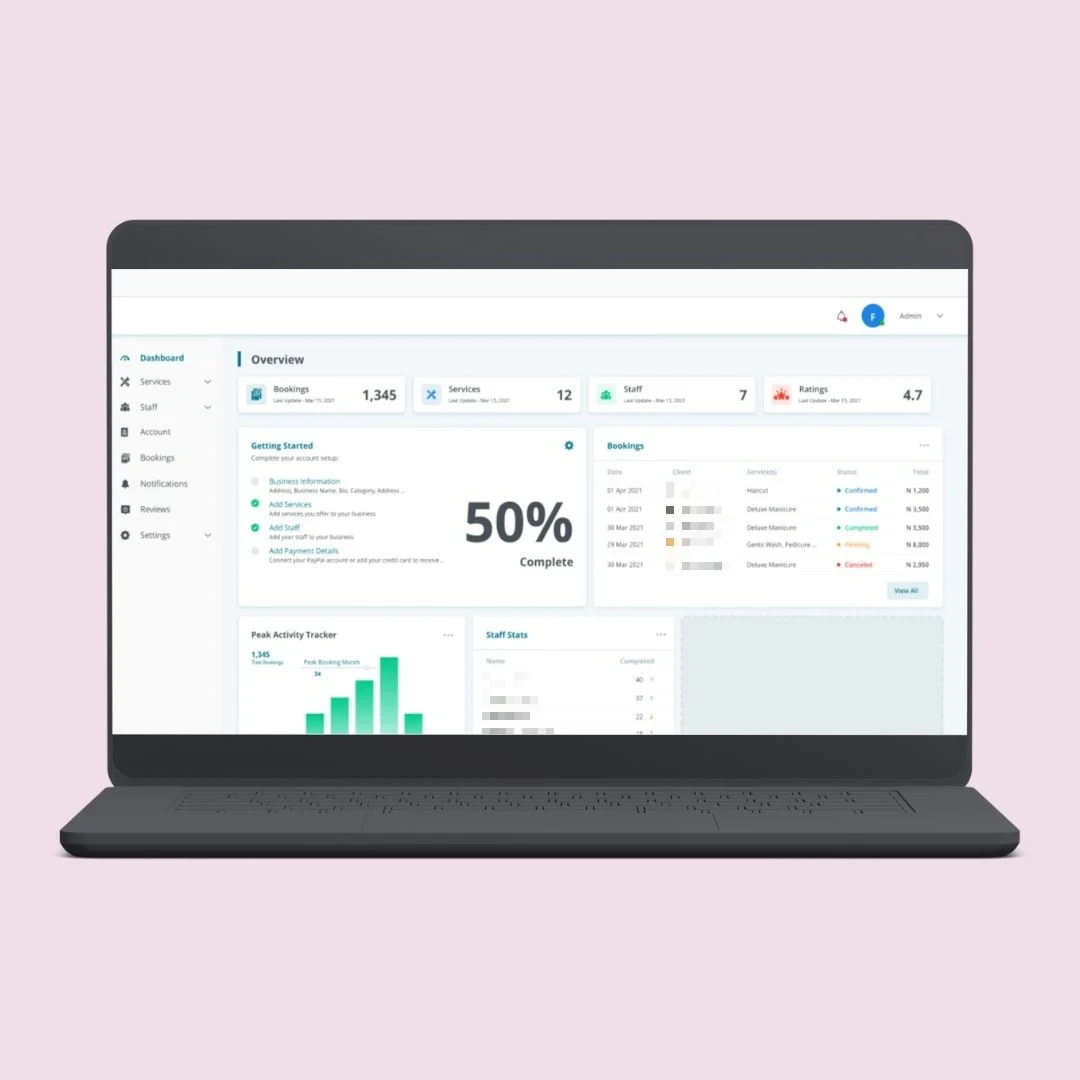
Your team already has the answers. They are just stuck inside your system. We connect Claude to your business database, so staff can ask questions in plain English and get answers from live data.
"Which orders are late this week?" "Who has not clocked in today?" "Create a follow-up task for this client."
No training. No copying data. No new software for your team to learn. Claude asks a secure connector a specific question, the connector checks permissions, runs it against your live data and returns only that answer.
The data is there. Getting to it is the slow part.
Answers stuck in the system until someone who knows the screens looks them up.
Every new question turning into a report request and a wait.
Data copied into AI tools by hand with no control over where it ends up.
AI pilots that sit outside your systems and never see your real data.
We build a secure connector (an MCP server) that sits beside your application. Your system keeps running as it is.
It works through your database or API. No rebuild.
Claude can only use the actions we build for it.
Answers come from your live data, not a stale copy.
Staff see only the data their role allows.
A full log of every AI request.
Nothing is trained on your data and nothing is copied.
Every connector starts read-only. Write actions are added one at a time.
Three read-only questions answered from your live data, working in Claude.
Read-only questions across several modules, with a setup guide for your team.
Read and write actions with a confirmation step, roles, audit log and deployment.
Create and update records only where you approve it, limited by role.
Security testing is our core service, so the connector can be penetration tested first.
ERP, CRM, HR, inventory, healthcare and custom portals.
Attendance, tasks and KPIs. "Who was late today?"
Orders, stock and purchasing. "Which orders are late this week?"
Clients, follow-ups and tasks. "Create a follow-up task for this client."
The difference is who controls what the AI can see and do.
Yes. We run this on our own HR and operations system every day. Claude reads live attendance, tasks and KPIs, and creates tasks. Ask for the demo video.Book A Call
Most delays come from waiting on credentials, so we list exactly what we need up front.
Tell us what you want your AI to answer, and what your system does.
Database or API access, hosting and your Claude plan, confirmed on the first call.
Read-only actions first, with roles and logging.
Deploy on your server or cloud, then add write actions where you approve.
Specialists in ASP.NET Core and .NET systems, including older .NET Framework and Web Forms applications.
This is not a demo for us. Our own HR and operations system answers questions through Claude every day.
Ask for the Demo VideoWrite actions only where you approve, with a confirmation step.
Nothing trained, nothing copied. It stays in your database and cloud.
Full source code, deployed on your own server or cloud.
See the business platforms our team has delivered.
What clients ask before connecting AI to their data.
Send us 3 questions you want your AI to answer.
Book a Free ConsultationA secure connector that sits next to your system and lets Claude read (and, if you want, update) your data. Your team asks questions in Claude and gets answers from your live database.
No. Nothing is trained and nothing is copied. Claude asks the connector a specific question, the connector checks permissions, runs it against your live data, and returns only that answer.
No. The connector works alongside your existing system through your database or API. Your application keeps running as it is.
Only if you approve it. Every connector starts read-only. Write actions are added one at a time, limited by role, and can require a confirmation. We do not build delete actions unless you ask.
Database or API access for us, a place to host the connector (your server or cloud), and a Claude plan that supports custom connectors. We confirm all three on the first call, before you pay for the build.
Talk to us first. We confirm support for your ChatGPT plan before taking the work.
That works. We add a small secure API layer in front of it, then connect to that.
Yes. Full source code, deployed on your own server or cloud.
The best first step is small: three read-only questions your team asks every day. Once people trust the answers, more questions and write actions are added one at a time.
Want charts and dashboards as well? See AI-powered reporting.
Tell us what your system does and which questions your team asks most. We'll confirm access, hosting and your Claude plan on the first call, before you pay for the build.