User Flows
Each role's path through a task, step by step, including what happens when something is rejected or missing.
User flows, wireframes and clickable prototypes for portals, dashboards and internal systems. Your team clicks through the real screens and finds the wrong assumptions while they are still cheap to fix.
A requirements document reads fine. Everyone signs it. Then the first working screen arrives and someone says, that is not how we approve an order. By then the database, the screens and the logic are built around the wrong idea, and changing it means paying for the work twice.
We design business software screen by screen before anyone builds it. You get a clickable prototype your staff can try on a real task. A clickable prototype is the cheapest place to find a wrong assumption.
Most teams come to us with one of these four problems.
A requirements document that everyone agreed to and nobody can picture as screens.
A system staff avoid because simple tasks take too many clicks and too many screens.
Screens that do not match with every module looking and behaving a little differently.
Developers guessing because the designs do not say what happens on an error or an empty list.
Each piece answers a question before it becomes expensive to ask.
Each role's path through a task, step by step, including what happens when something is rejected or missing.
Plain layouts that settle what is on each screen before anyone discusses colours.
Screens linked together in Figma so your team can click through a real task from start to finish.
One set of buttons, forms, tables and states, so every screen looks and behaves the same way.
Specs, spacing, states and assets laid out so the build matches the design without guesswork.
A prototype is not working software. It shows the screens and the flow, with sample data and no backend behind it.
We design systems people use to do their job. Each one is designed around your workflow. No templates.
Flows, wireframes and a clickable prototype for a system that does not exist yet, so you can see it before you fund it.
We review the current screens with the people who use them, then redesign the tasks that slow them down.
Customer, staff and admin views, each showing that role what it needs first and nothing it should not see.
iOS and Android screens designed for use on the move, consistent with your web system.
A shared library your designers and developers both work from, so new screens stay consistent.
The same clickable prototype answers different questions for different people.
See what you are paying for, and change your mind before it costs anything to change.
Staff try their real tasks on the prototype and say what does not fit how they work.
Build from agreed screens, states and components instead of interpreting a document.
Every project has a few. The only question is whether you find them in a prototype or in finished code.
Start with the Architecture Blueprint: a written build plan covering the data model, system architecture, scope and realistic cost. You can take it anywhere, including to another developer.Book A Call
Every project is scoped before it is quoted.
We go through the real tasks with the people who do them, role by role.
Map each task and lay out each screen in plain form, then agree them with you.
Full visual design linked into a prototype your team can try and comment on.
Components, states and specs handed to developers, ours or yours.
We design in Figma, and use Adobe XD where a client already works in it. Designs are made to be built in React, Razor and React Native.
Our designers work beside the engineers who build and security-test our systems. So the designs we hand over can be built as drawn, and the roles and permissions are thought through on the screen, not left for later.
Discuss Your ProjectEvery screen is checked with an engineer. If we build it too, we security-test it before launch and give you the written report.
The editable source files and the design system are yours. Take them to any developer. No lock-in.
No subcontracting. The people who learn your workflow are the people who design it.
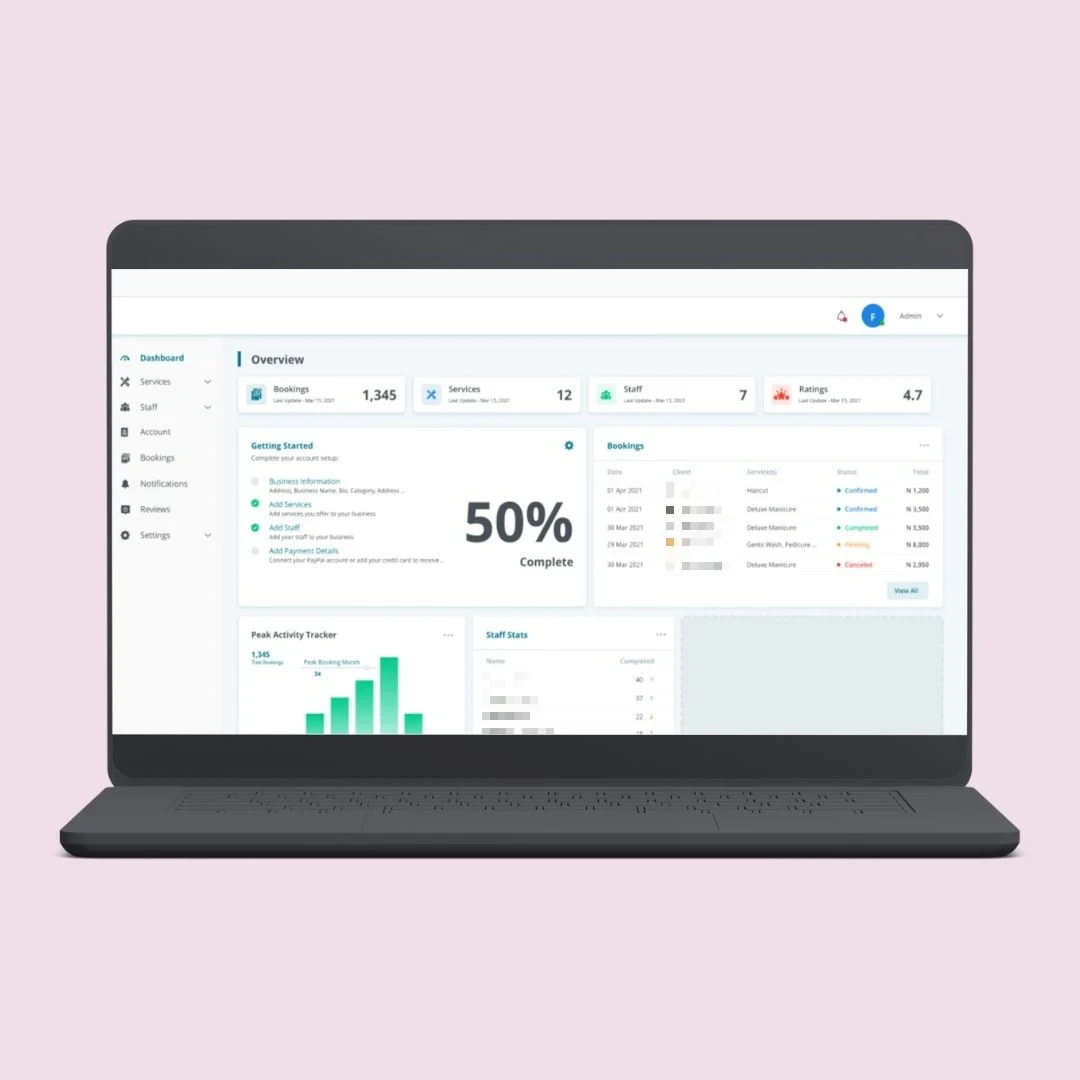
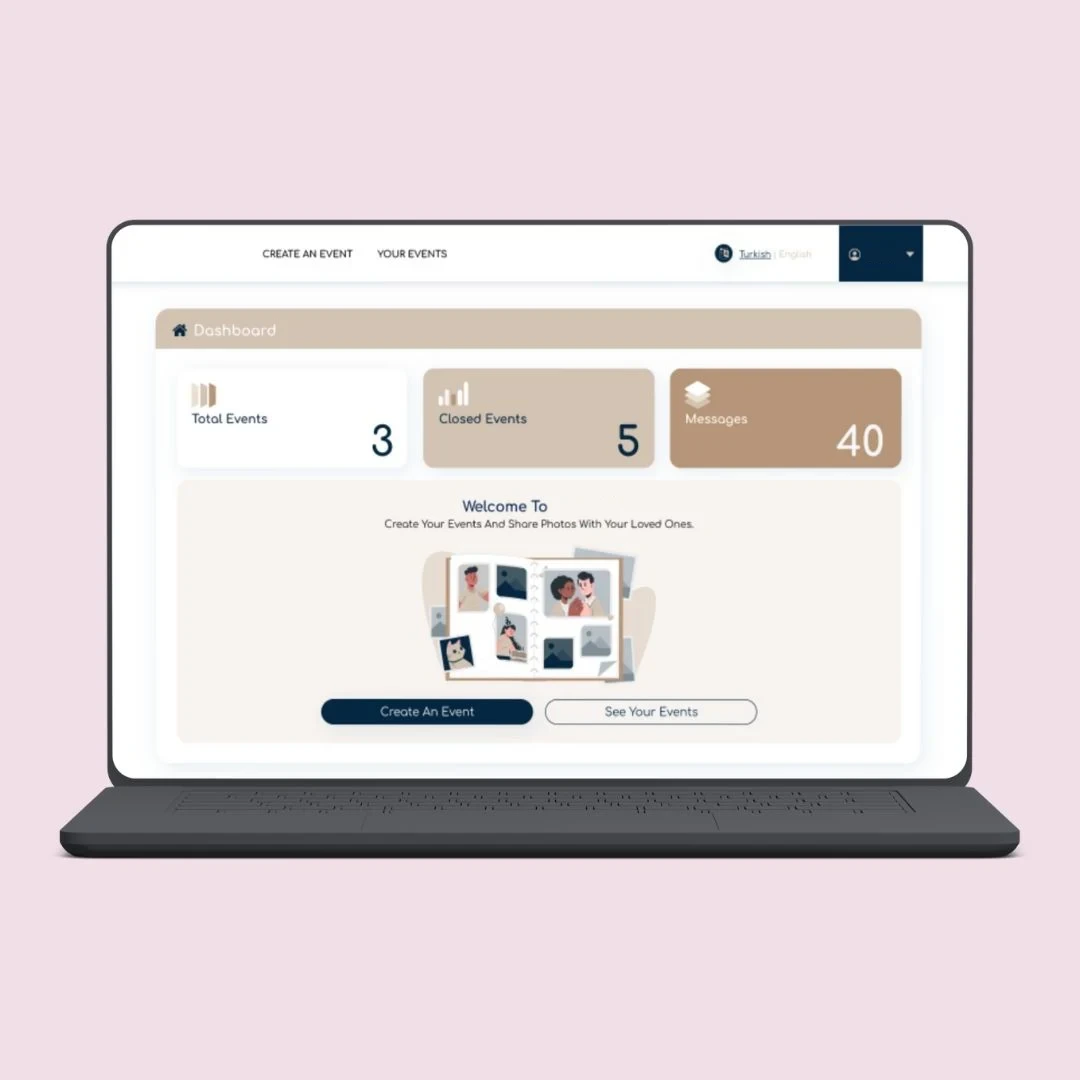
A B2B marketplace, a booking platform and a photo sharing platform, each with different roles using the same system.
The questions design clients ask us first.
Send us your workflow.
Book a Free ConsultationNo. A prototype is linked screens with sample data. You can click through a task and see every step, but nothing is saved and there is no backend. That is the point: it lets you test the idea before paying for the build. We say this plainly so nobody mistakes a prototype for a finished product.
Yes. We start with the people who use it and the tasks that slow them down, then redesign those first. We also tell you which changes are screen-only and which would need changes to the code or the data behind them, because the second kind costs more.
Yes. The handoff includes the Figma file, the design system, and the specs and states for each screen. Your developers can build from it without us. If you want us to build it as well, the same team does that.
Figma for almost all work, because clients and developers can open and comment on it in a browser. We also work in Adobe XD when a client's existing files are there.
Yes. The editable Figma or Adobe XD source files, the design system and all assets are yours, transferred to your own account. You can take them to any developer, so there is no lock-in.
When you review a prototype, do not ask staff whether they like it. Give them one real task, such as raising an order or approving a request, and watch where they stop. That is where the wrong assumption is.
Ready to build what you have designed? See our web applications and mobile app development.
Tell us who uses the system and the tasks they do most. We'll scope the design work properly before we quote, and tell you plainly what a prototype will and will not prove.