One Shared Backend
Web and mobile read and write the same data through the same API, so they stay in sync.
React Native apps for iOS and Android, connected to your portal, your database and your team's actual workflow. One backend, so what happens on the phone shows up on the web straight away.
They look fine in a demo. Then your team asks where the real data is. A business app needs a backend, real data and roles. The driver sees today's jobs. The manager approves from a phone. The record your office sees is the same record the app just updated.
We build React Native apps for companies that already run on software. The app connects to the system you have. If the API it needs does not exist yet, we build that too.
Most teams come to us with one of these four problems.
A portal that only works at a desk while the people who need it are on the road or on the floor.
An app with its own data so web and mobile never quite show the same thing.
Field work written on paper and typed into the system hours or days later.
A screen and a login with no backend, no roles and no real data behind it.
These are decided during scoping, because each one changes how the app is designed.
Web and mobile read and write the same data through the same API, so they stay in sync.
The app keeps working without signal and sends its updates when the connection returns.
New jobs, approvals and status changes reach the right person without them opening the app.
Scan stock, capture photos and documents, and attach them to the record on the spot.
Role-based access and multi-factor authentication, enforced by the backend, not just the app.
Apple Watch only. We do not build Wear OS watch apps at present. The watch screens are a small native module, because Apple only allows native code on the watch.
Each app is built for iOS and Android from one React Native codebase, around your workflow.
The parts of your portal people need away from a desk, on the same accounts and the same data.
Job lists, status updates, barcode scanning, photos and signatures for teams that work on their feet.
Appointments, documents, results and messages for the people you serve, with access limited to their own records.
Customers book and order. Managers approve requests from their phone instead of waiting to get back to the office.
An optional add-on for short, frequent tasks: alerts, clock-in and quick actions, synced with the phone app and your backend.
Every role gets its own screens and its own permissions, on the same backend as your web system.
Today's work, scanning and status updates in a few taps.
Bookings, orders, documents and messages from their own phone.
Approvals, alerts and the key figures without opening a laptop.
The screens can look the same. The difference is what they are connected to.
Start with the Architecture Blueprint: a written build plan covering the data model, system architecture, scope and realistic cost. You can take it anywhere, including to another developer.Book A Call
Every project is scoped before it is quoted.
We look at your existing system and its API first, and tell you what is missing.
Agree the roles, screens and what must work offline, then quote against that written scope.
Build the app and any API it needs, with test builds on your own phone as we go.
Security test the backend, then handle the App Store and Google Play submission.
React Native on the phone. ASP.NET Core, C#, SQL Server and REST APIs behind it, hosted on Azure or AWS.
A mobile app is only as safe as the API behind it. We build both, and we test the backend for security weaknesses before the app goes to the stores.
Discuss Your ProjectOWASP-based security testing of the app's backend and a written report. Not a promise that nothing can ever go wrong.
Full source code and IP, published under your own store accounts. No vendor lock-in.
No subcontracting. One team builds the app and the backend, so nothing falls between two suppliers.
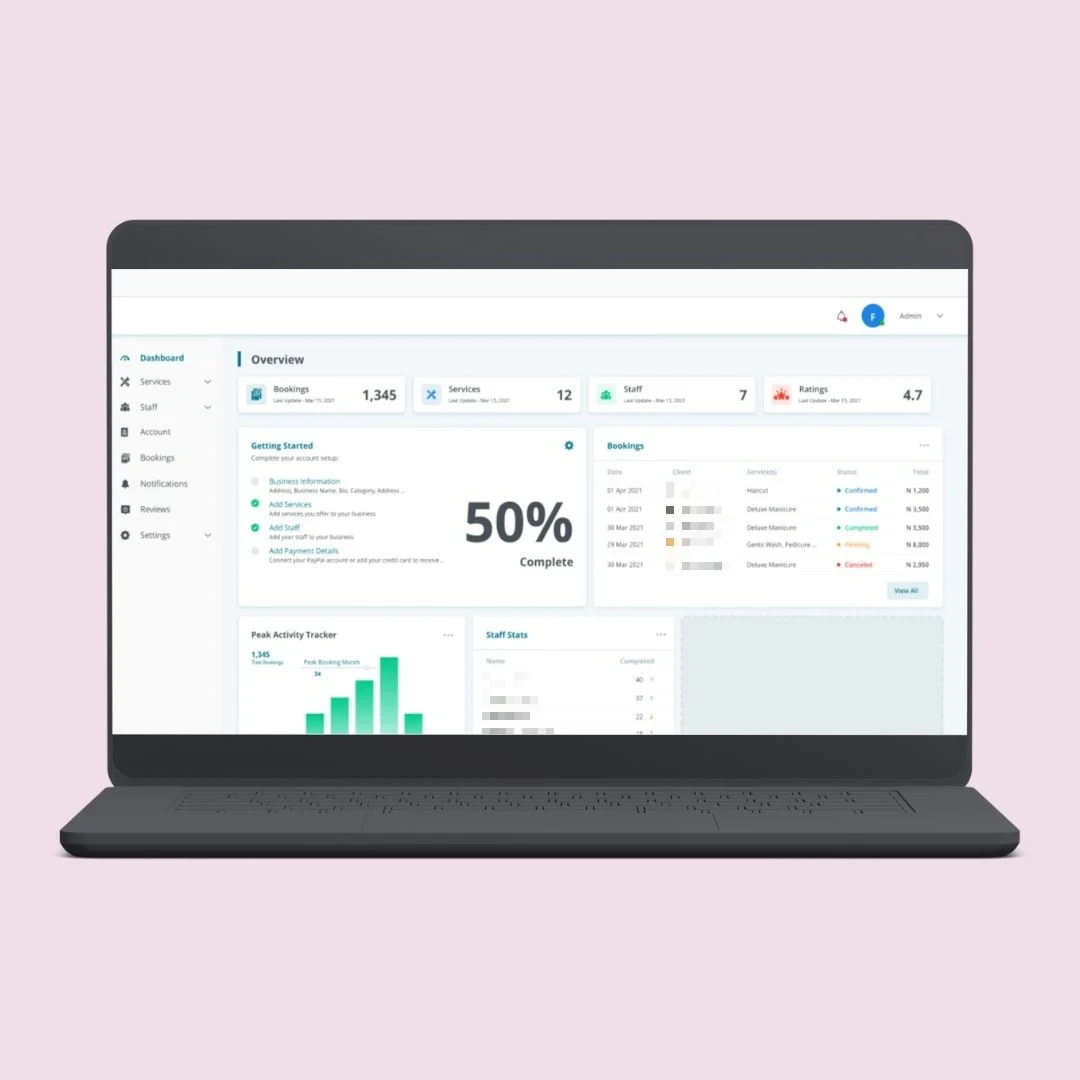
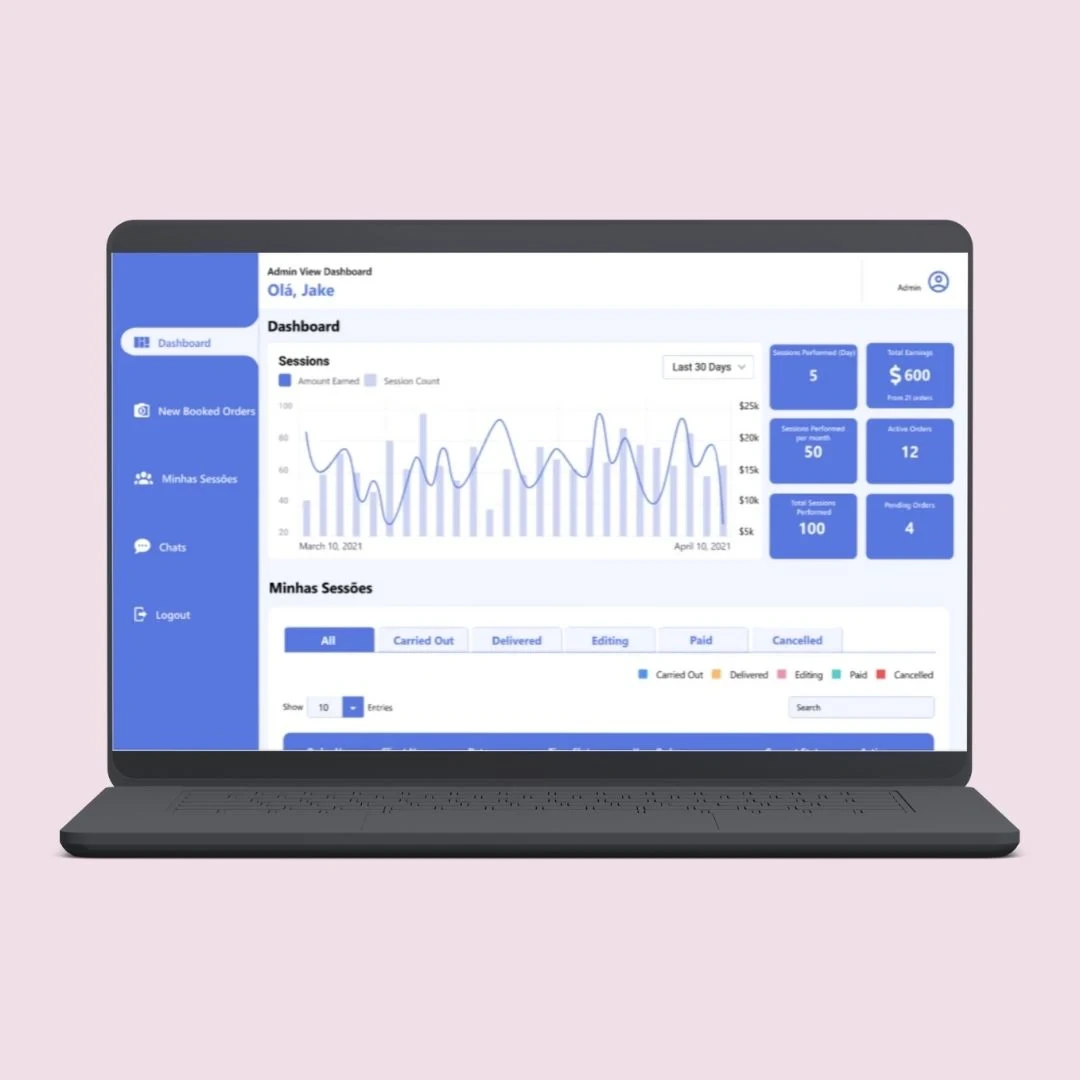
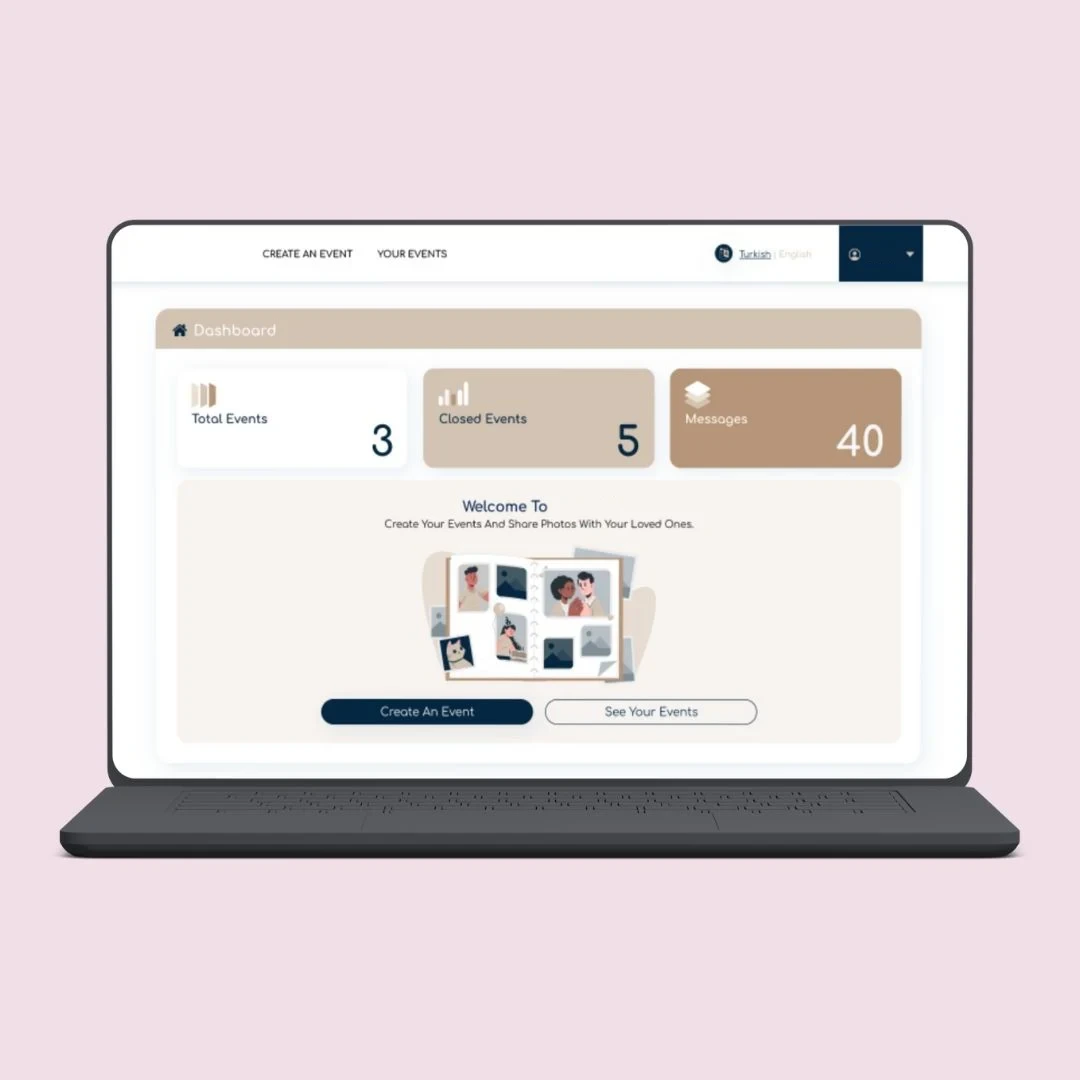
Booking and sharing platforms we have built, with customer and business roles on one backend.
The questions mobile app clients ask us first.
Tell us what your app needs to connect to.
Book a Free ConsultationUsually, yes. If your system has an API, the app uses it. If it does not, we build one in ASP.NET Core in front of your database. We check this before we quote, and if your current system cannot be connected safely, we will tell you before you commit to anything.
It can be built to. The app stores what the user needs on the phone, records their updates, and syncs when the connection returns. We agree during scoping exactly what must work offline, because that decision affects how the app is designed.
Yes. We prepare the builds and listings and handle the submission, under your own developer accounts so the app belongs to you. The review itself is done by Apple and Google, so we cannot promise how long they take or what they will ask for.
Yes, as an optional companion to your iPhone app: alerts, clock-in or check-in, and quick actions from the wrist. Data syncs with the phone app and your backend. Your main app is React Native. The watch screens are a small native module, because Apple only allows native code on the watch. It is Apple Watch only. We do not build Wear OS watch apps at present.
Yes. Full source code and IP ownership for the app and its backend. The app is published under your own store accounts and the backend is deployed to your own cloud account, so there is no vendor lock-in.
Before you ask for a quote, write down what the app needs to connect to: which system, which data, and who is allowed to see it. That answer shapes a business app far more than the number of screens does.
No web system behind it yet? See our web applications. Building for customers to log in? See customer portals.
Tell us who will use the app, what they do on it and which system it has to talk to. We'll scope it properly before we quote, and tell you plainly if a backend has to be built first.