ERP Left Untouched
No changes to base tables. Your Microsoft partner keeps control of the ERP.
Business Central runs your finance, stock and orders. We build what sits around it: customer and vendor portals, mobile apps and integrations, connected through the Business Central API. Nothing inside your ERP is changed.
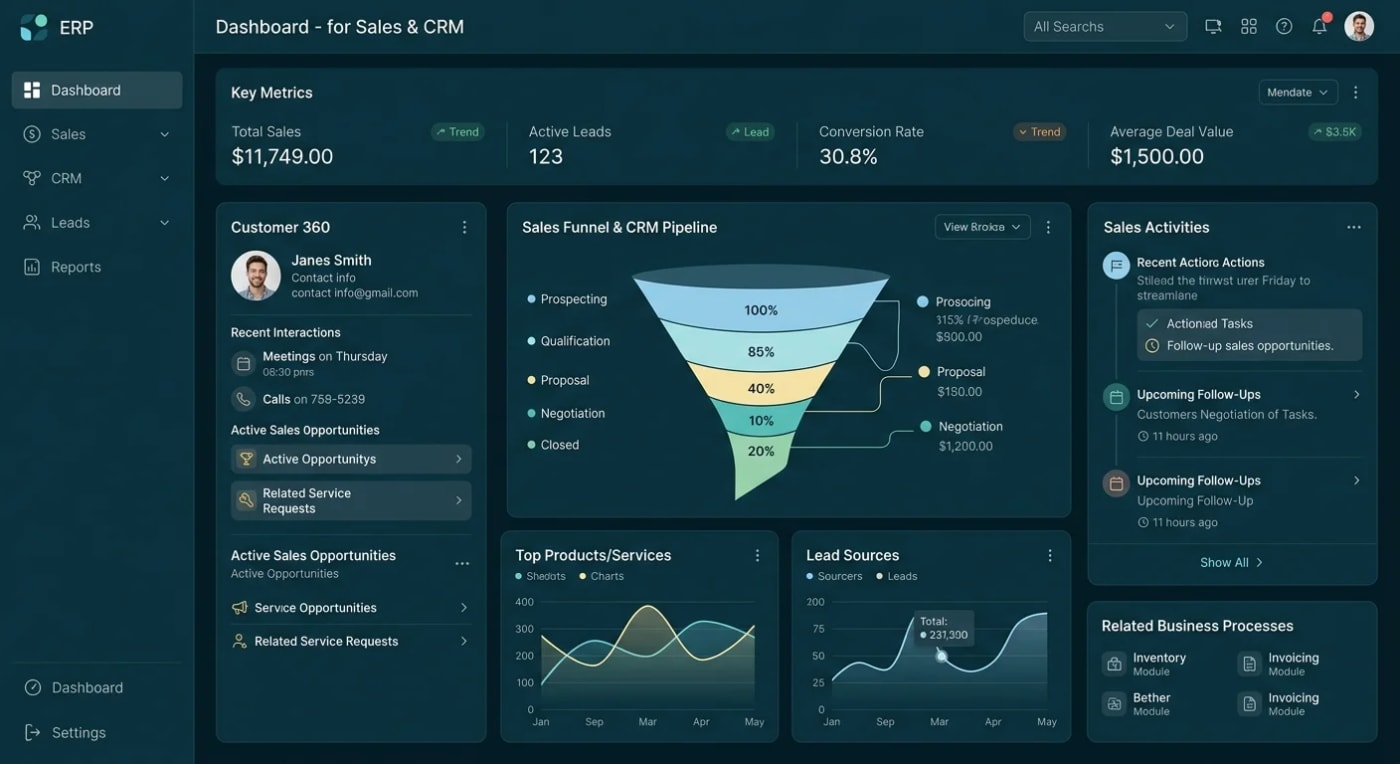
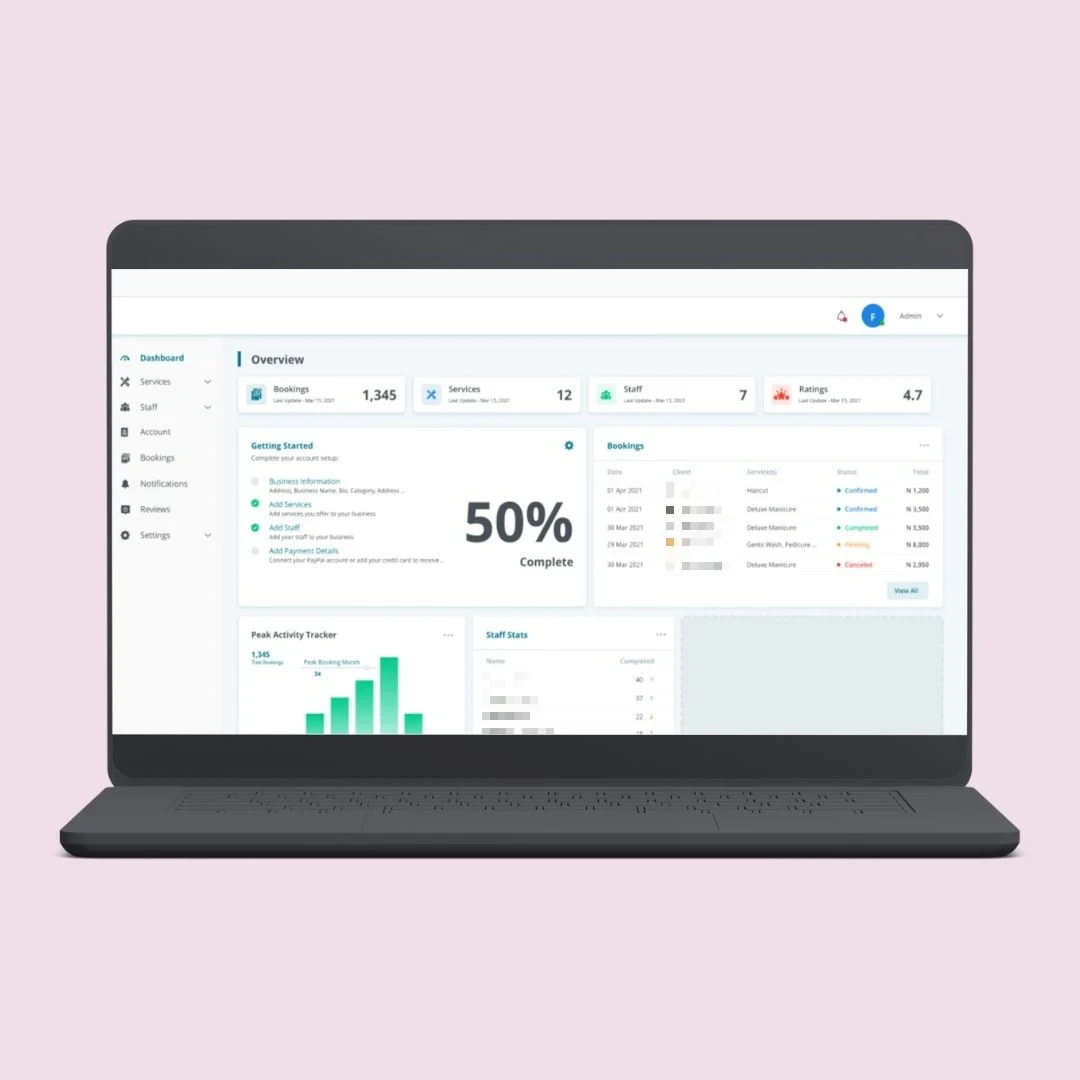
Your customers want their invoices and order status. Your vendors want to see purchase orders. Your sales team wants stock and prices on a phone. All of it is in Business Central, and none of these people should be working inside an ERP screen built for accountants.
So the questions come by email, and someone on your team looks up the answer and types it back. We build a separate application that reads and writes through the Business Central API, so each group gets the screens it needs and your ERP stays exactly as your Microsoft partner set it up.
These are the four situations Business Central users bring to us most.
Customers emailing for documents invoices, statements and order status your team looks up by hand.
Orders re-typed into the ERP from email, spreadsheets, a web shop or another system.
Systems that do not talk to it a web shop, CRM, warehouse tool or payment provider kept in step by hand.
A process the ERP does not cover approvals, bookings or pricing rules that live in someone's inbox.
We do not customise Business Central itself. We build next to it and connect through the interfaces Microsoft supports.
No changes to base tables. Your Microsoft partner keeps control of the ERP.
Business Central REST API and OData, plus webhooks where real-time updates are needed.
OAuth through Microsoft Entra ID, with access limited to what the integration needs.
Users see current stock, prices and documents, not an overnight copy.
Full source code, deployed to your own Azure account.
No changes to your ERP, so it stays supportable and your updates stay clean.
Each one is custom built around your process and your Business Central setup.
Orders, invoices, statements and delivery status, so customers stop emailing your team for them.
Purchase orders, price lists, stock, order placement and returns, with live Business Central data.
React Native apps for stock checks, quotes, orders and visits, on the same live data.
Connect Business Central to your web shop, CRM, warehouse system, payment provider or Microsoft 365.
Multi-step sign-off with an audit trail, then the approved document written back to Business Central.
Each group gets screens built for its own job, connected to the same ERP.
Self-service orders, invoices, statements and delivery tracking.
Purchase orders, price lists, stock and ordering in one portal.
Stock, prices and orders on a phone, without an ERP screen.
Both are valid. They solve different problems, and we only do one of them.
We do not write AL extensions or implement Business Central, and we do not give licensing advice. Your Microsoft partner does that. We build the portal, app or integration on top, and we are happy to work alongside them.Book A Call
Every project is scoped before it is quoted, starting with how your Business Central is set up.
Online or on-premise, version, API access and a sandbox to test in.
Agree the users, the screens, and which data is read-only or written back.
Build the portal, app or integration and connect it in your sandbox first.
Security test, move to production, and keep it working through updates.
The same Microsoft technologies Business Central already lives in.
Our core work is ASP.NET Core, SQL Server and Azure, and we have built portals and integrations on the Business Central API.
Discuss Your ProjectNo AL development and no changes to base tables.
OWASP-based testing and a written report, not a promise.
Full source code and IP, deployed to your own Azure account.
See how we have built portals and platforms that connect customers, vendors and teams to the data they need.
A number given before these answers is a guess.
Tell us how your Business Central is set up.
Book a Free ConsultationYes, both. Business Central online is reached through Microsoft's cloud API with Entra ID sign-in. On-premise works too, but how we connect depends on your version and how the server is exposed, so we check that first.
No. We connect through the standard API. If your process needs a custom API page or an extension inside Business Central, that is AL work for your Microsoft partner, and we tell you exactly what to ask them for.
Both are possible. Showing live data is the simpler job. Creating orders, payments or other documents in Business Central is more work and needs careful testing, so many projects start read-only and add write-back later.
Portal users log in to the portal, not to Business Central. Licensing for your own situation is a question for your Microsoft partner, and we do not give licensing advice. We will show them exactly how the portal connects so they can confirm it.
Whoever controls your Business Central environment, usually you or your Microsoft partner. We need API access and a sandbox to test in. Waiting on access is the most common cause of delay, so we sort this out first.
Yes. Full source code and IP ownership, deployed to your own Azure account, so there is no vendor lock-in.
Ask your Microsoft partner for a Business Central sandbox before the project starts. Building and testing against a sandbox keeps your live company data safe until everything is proven.
Also running SAP? See our portals for SAP Business One and Business Central. Need other systems connected too? See API and system integrations.
Send us your version, whether it is online or on-premise, and the process that keeps landing in someone's inbox. We scope it before we quote, and tell you plainly whether it is a job for us or for your Microsoft partner.