Connected Teams
Sales, finance, HR and operations work from the same records instead of separate copies.
One system for the work that crosses departments: requests, approvals, orders, people and reporting. Built around how your company runs, so nothing waits in an inbox for someone to notice it.
Sales works in one tool. Finance works in another. HR has its own. Operations runs on spreadsheets that only two people understand. Work moves between them by email, and an approval can sit for days because nobody knows whose turn it is.
We build custom operations systems that put those workflows in one place. A request is raised once, routed to the right person, approved with a record, and visible to everyone who needs to see it.
Most operations leaders come to us with one of these four problems.
Disconnected systems so the same data is entered in three places and never quite matches.
Approvals stuck in email with no way to see who is holding a request, or for how long.
Critical spreadsheets that run a core process and depend on one person keeping them right.
No single view so management reports are assembled by hand and are out of date when they arrive.
We do not ask you to change your process to fit a product. We build the system around the process.
Sales, finance, HR and operations work from the same records instead of separate copies.
Routine steps, reminders and hand-offs happen on their own, by rules you set.
Multi-level approvals with limits, delegation and a full record of who approved what.
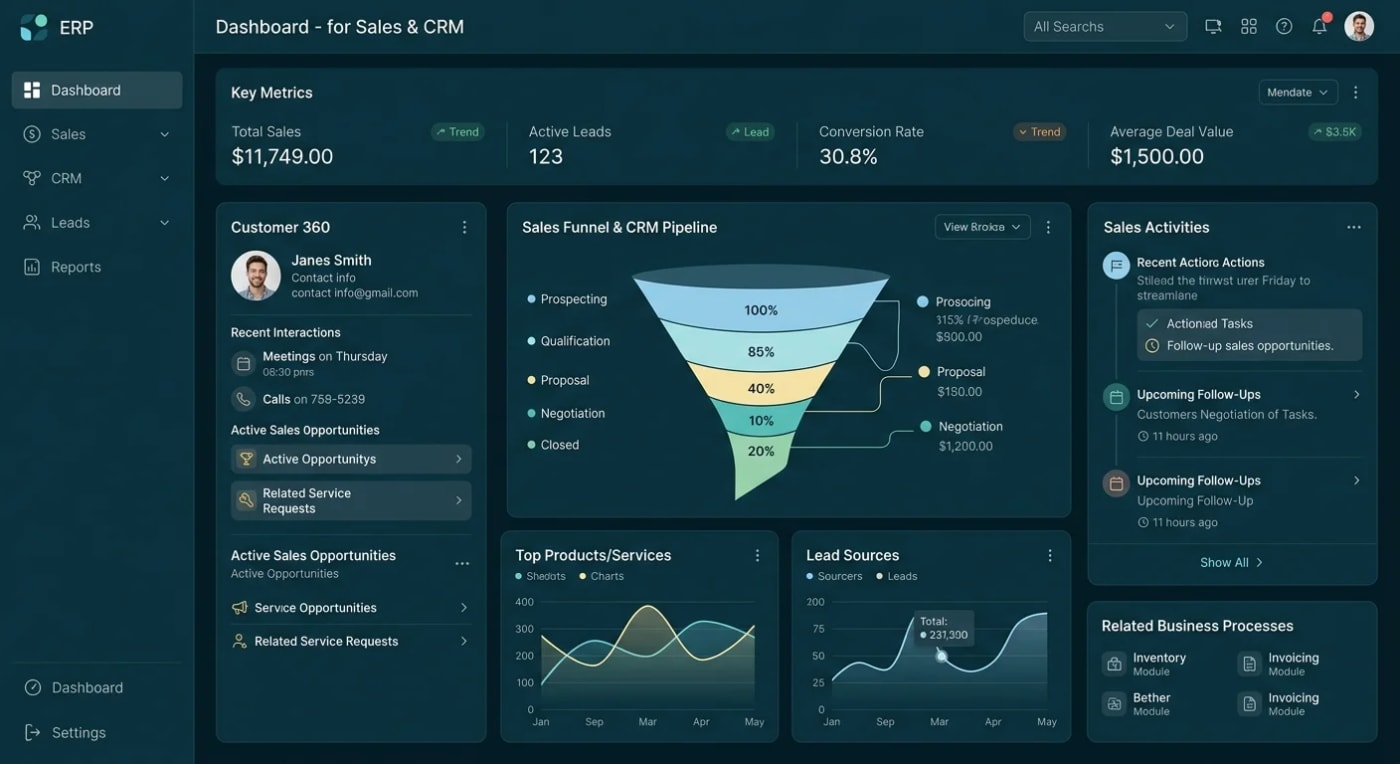
Dashboards that read from live data, so the numbers are the same in every meeting.
OWASP-based penetration testing with a written report before launch.
We tell you plainly when an off-the-shelf product would serve you better than a custom build.
Each system is custom built for your operation. No templates.
Orders, purchasing, stock and finance workflows in one system shaped to your business.
Leads, accounts, quotes and follow-ups, connected to the teams that deliver the work.
Employee records, leave, attendance, onboarding and reviews with role-based access.
Purchase requests, expenses, contracts and change requests routed and tracked from start to finish.
One place for the figures leadership asks for, without anyone building a report by hand.
Each team sees its own work and its own permissions, on the same data.
Open requests, bottlenecks and workload across teams in one view.
Raise a request, see where it stands and get on with the job.
Approvals with limits, audit history and live reporting.
The process stays yours. What changes is that everyone can see it.
Start with the Architecture Blueprint: a written build plan covering the data model, system architecture, scope and realistic cost. You can take it anywhere, including to another developer.Book A Call
Every project is scoped before it is quoted.
We sit with each team and write down how the work really moves, not how the manual says it does.
Agree what to build first, what to integrate and what to leave alone, then quote against it.
Deliver one workflow at a time, so teams start using it while the next one is built.
Security test, written report, then deploy to your own cloud account.
ASP.NET Core, .NET 8, SQL Server, React Native and Azure, connected to the systems you plan to keep.
An operations system holds your financial, customer and employee data in one place. We test it for security weaknesses before launch and give you the written report.
Discuss Your ProjectYou get a written scope first. No quote from a one-line brief, and no surprises hidden in it.
Full source code and IP, deployed to your own cloud. No vendor lock-in.
No subcontracting. Your data and your code stay with the team you spoke to.
See how we have built lead management, ordering and booking platforms with multiple roles and workflows.
The questions operations leaders ask us first.
Send us the workflow that causes the most trouble.
Book a Free ConsultationIt depends on how standard your process is. If a packaged product fits most of how you work, buy it, and we will say so. Custom makes sense when your process is the thing that sets you apart, or when you are paying for a large product and bending your teams around it.
No, and we advise against it. We usually start with the one workflow that causes the most pain, connect it to the systems you already have, and extend from there. Each stage is scoped and quoted on its own.
In most cases, yes, through their APIs or database. Some older systems have no safe way to connect. We check this during scoping and tell you plainly, before you commit to a build.
Role-based access is designed at the start: each role sees and changes only what it should. Approvals and changes to key records are logged with who, what and when, so you can answer questions later without guessing.
Yes. Full source code and IP ownership, deployed to your own Azure account, so there is no vendor lock-in.
Do not start with the biggest system. Start with the one approval or hand-off that people complain about most. Fixing that first proves the approach, and it tells you what the rest of the system should look like.
See how we handle approval automation, or read more about our custom ERP systems.
Tell us which teams are involved, which systems you use today and where the work gets stuck. We'll scope it properly before we quote, and tell you plainly if a packaged product would do the job.