Offline Mode
Technicians open jobs, fill checklists and capture photos and signatures without signal. The app syncs when they are back online.
Scheduling, dispatch, work orders, asset history and a mobile app that keeps working when the signal drops. One system for the office and the field, built around how your team does the job today.
A job runs long. A part is missing. A customer calls to ask where the technician is, and nobody in the office can answer without phoning him. The job sheet comes back on paper two days later, and the invoice waits for it.
We build custom field service systems that close that gap. The dispatcher sees every job and every technician on one board. The technician sees the job, the asset and its history on a phone, with or without signal. The service report is finished before he leaves the site.
Most service and maintenance teams come to us with one of these four problems.
Scheduling on a whiteboard or spreadsheet so every change means a round of phone calls.
Paper job sheets that arrive late, get lost or cannot be read, and hold up the invoice.
No asset history on site so the technician starts every visit without knowing what was done last time.
Customers calling for updates because nobody told them when the technician would arrive.
These are decided at the design stage. They are hard to add later.
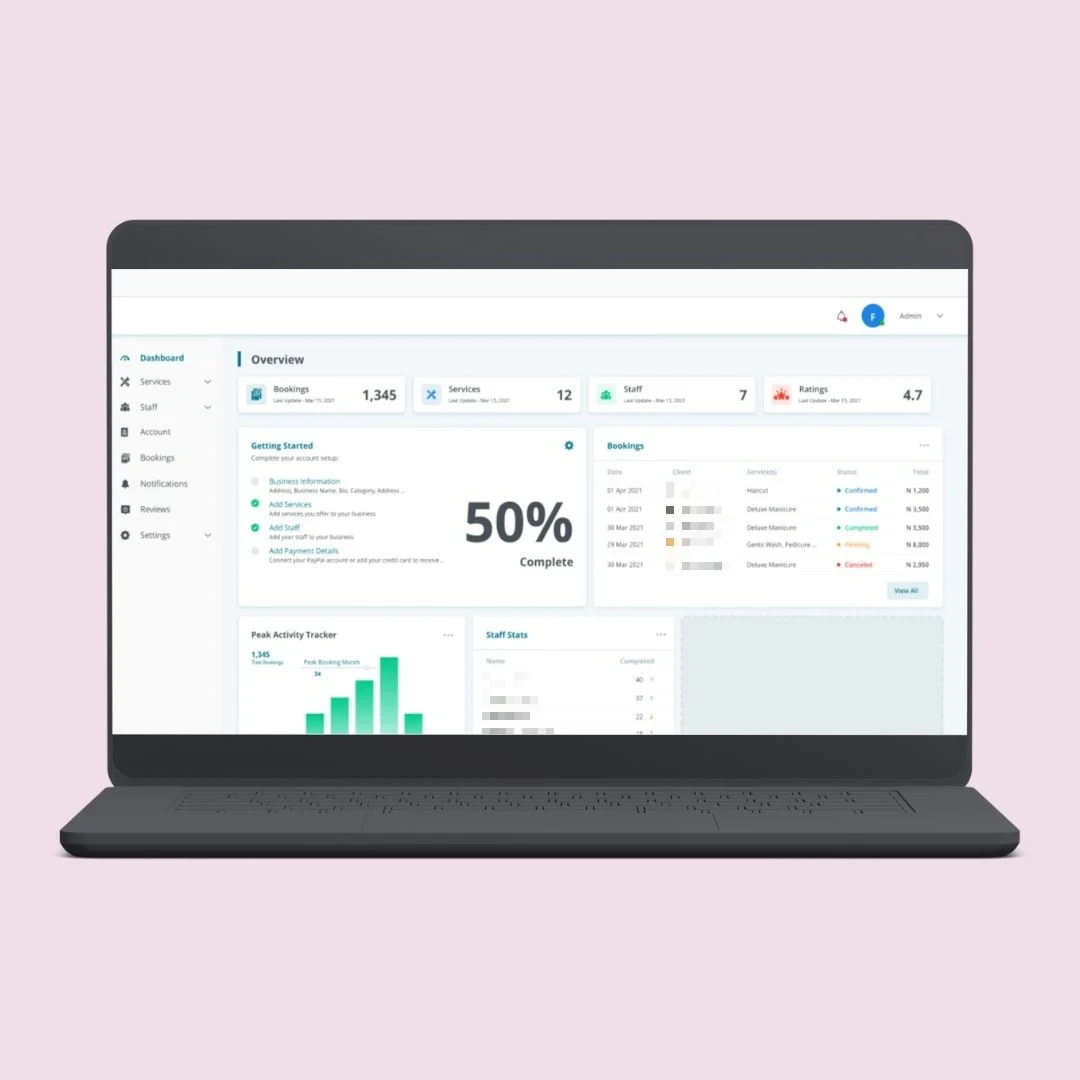
Technicians open jobs, fill checklists and capture photos and signatures without signal. The app syncs when they are back online.
Assign jobs by skill, location and availability, and move them when the day changes.
Every visit, part and reading is recorded against the asset, and shown to the next technician.
Checklist, photos, parts used and customer signature, turned into a report before the technician leaves.
OWASP-based security testing of the web system and its APIs, with a written report before launch.
Offline mode needs clear rules for what happens when two people change the same job. We agree those rules with you before we build.
Each system is custom built for your jobs, your assets and your contracts. No templates.
One board for jobs, technicians and status, so the office can re-plan the day in minutes.
Work orders from request to completion, with priorities, checklists, parts and sign-off.
A record for every asset, with service history and recurring maintenance schedules.
React Native apps for iOS and Android with offline mode, photos, signatures and barcode scanning.
Booking confirmations, arrival updates and service reports sent to the customer, or available in their own portal.
The office, the field and the customer each see what they need, on the same backend.
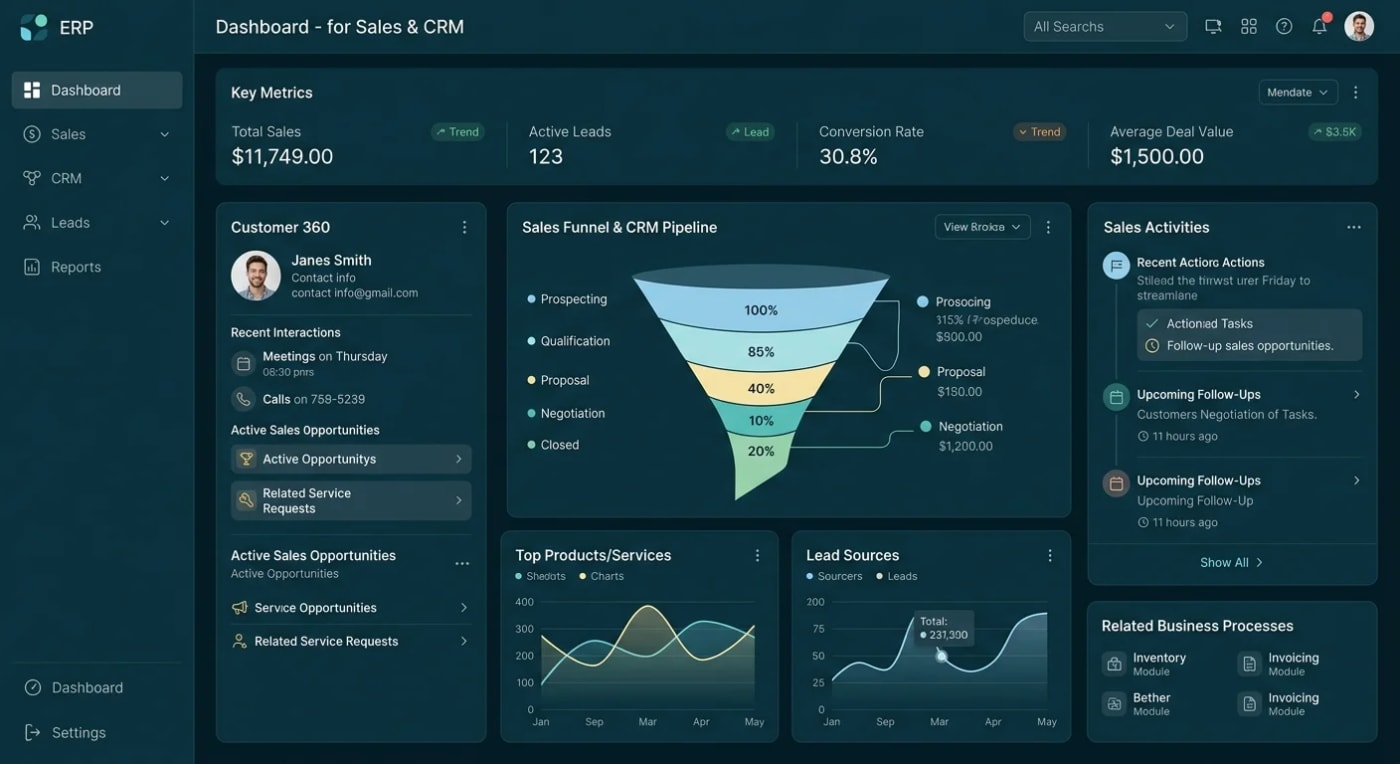
The day's jobs, who is where, what is running late and what is waiting for parts.
Today's jobs, asset history, checklists and reports on a phone, online or offline.
Clear updates on when the visit is, what was done and what comes next.
Most of the lost time in field service is not on the job. It is in the calls, the paperwork and the re-typing around it.
Start with the Architecture Blueprint: a written build plan covering the data model, system architecture, scope, timeline and realistic cost. You can take it anywhere, including to another developer.Book A Call
Every project is scoped before it is quoted.
We follow one job from the first call to the invoice and write down every step and hand-off.
Dispatch board and mobile screens agreed with the people who will use them, before any build.
We build in stages and test the app with your technicians, including with no signal.
Security test, written report, then deploy to your own cloud account.
ASP.NET Core, .NET 8, SQL Server, React Native and Azure, connected to the systems you already use.
A field service system holds customer addresses, site access details and contract data. We build it, and we test it before your team depends on it.
Discuss Your ProjectOWASP-based security testing with a written report, not a verbal assurance.
Full source code and IP, deployed to your own cloud. No vendor lock-in and no per-technician licence from us.
No subcontracting. The people who scope your system are the people who build it.
See how we have built booking, lead and ordering platforms with separate views for each role.
The questions service and maintenance teams ask us first.
Send us your service workflow.
Book a Free ConsultationYes, if we design it that way from the start. Technicians can open their assigned jobs, fill in checklists and capture photos and signatures offline, and the app syncs when the connection returns. What cannot work offline is anything that needs live data, such as a job assigned while the phone is out of range. We agree the offline rules with you before we build.
Usually, yes. If your system has an API or a supported import format, completed jobs, parts and customer records can flow into it. We check the integration during scoping and tell you plainly if your system does not allow it.
Sometimes you should. If a standard product fits how you work, it is the quicker route and we will say so. Custom makes sense when your jobs, assets or contracts do not fit the standard screens, or when per-user licence fees keep growing with your team.
We build scheduling by skill, location and availability, and can show jobs and technicians on a map. Full automatic route optimisation is a separate piece of work, normally done with a third-party routing service. We scope it honestly rather than promise it as a default feature.
Yes. Full source code and IP ownership, deployed to your own Azure account, so there is no vendor lock-in.
Before you look at any software, follow one job from the first phone call to the paid invoice and write down every hand-off. The places where information is re-typed or phoned through are where a system saves you the most time.
Related: mobile app development for field teams and customer portals for service history and bookings.
Tell us the type of service you run, the size of your field team and how a job moves from request to invoice. We'll scope it properly before we quote, and tell you plainly if an off-the-shelf product would do the job.